
There is a comfortable fiction that IT departments have been telling themselves since approximately 2015. The fiction goes like this: "We have firewalls. We have endpoint protection. We have VPNs. Our network is secure."
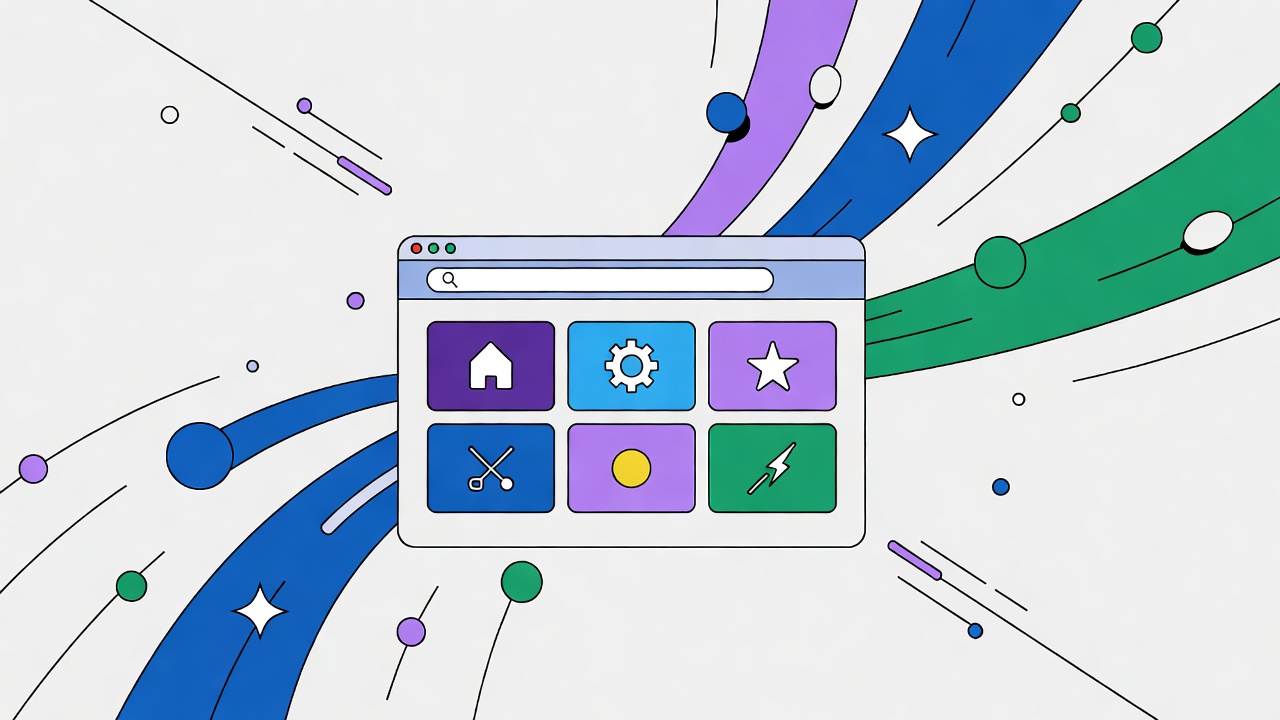
Meanwhile, your employees are logging into Salesforce from coffee shops, checking email on hotel business centers, and pasting customer data into ChatGPT from Chrome tabs. The network perimeter is a memory. The browser is the new workplace.
The Browser as the New Operating System
Think about what your employees actually do all day. They are not running compiled binaries. They are not installing software from CDs. They are opening tabs.
Salesforce runs in a tab. Gmail runs in a tab. Slack runs in a tab. Your custom internal tools run in tabs. Even development environments have moved to the browser with GitHub Codespaces and similar tools.
The browser has become the universal client. It is also the universal attack surface.
Palo Alto Networks identified the browser as the single most critical and vulnerable asset in their 2026 security outlook . The reason is obvious once stated: the browser sees everything. It sees the data before it is encrypted for transmission. It sees the data after it is decrypted upon receipt. It sees keystrokes, mouse movements, and clipboard contents.
If an attacker controls the browser, they control the session. They do not need to breach the network. They do not need to crack the VPN. They just need to own the tab.
The Data Exposure Reality
Consider a typical interaction with a generative AI tool. An employee pastes customer information, internal documentation, or source code into a prompt. The data leaves your control. It is processed by servers you do not own. It may be retained for training. It may be exposed in future responses to other users.
Traditional data loss prevention tools struggle with this scenario. They monitor network traffic, but the data is encrypted in transit. They monitor file transfers, but pasting into a web form is not a file transfer. The browser is the only place where the full context is visible .
The Browser Security Stack
Securing the browser in 2026 requires a different approach than traditional endpoint protection.
1. Managed Browsers
Organizations are moving toward managed browser deployments. These are not necessarily locked-down kiosk browsers, but instances where the organization retains visibility and control.
A managed browser can enforce policies: no copy-paste to unauthorized domains, no file uploads to personal cloud storage, automatic isolation of suspicious sites. It can log activity for audit and investigation.
2. Browser Isolation
For high-risk scenarios, browser isolation renders the web page on a remote server and streams only the visual output to the user's device. The actual page code never touches the local machine. Malware has nothing to infect. Data cannot be copied except through approved channels.
Isolation is not suitable for every user or every site. It introduces latency. It increases bandwidth usage. For sensitive operations or untrusted sites, however, it is the closest thing to guaranteed safety.
3. Credential Managers with Phishing Resistance
Passwords entered into a browser can be intercepted by malicious extensions or fake login forms. Phishing-resistant multi-factor authentication (using passkeys or hardware tokens) binds the credential to the specific site origin .
If the browser is on a phishing site, the credential simply does not work. The site origin does not match. The authentication fails.
4. Extension Governance
Browser extensions have near-complete access to page content. A malicious or compromised extension can read every keystroke, every form submission, every displayed image.
Organizations must maintain an approved extension list. Extensions should be audited for permissions. Personal extensions should be blocked on work profiles.
The Quantum Threat
There is a longer-term threat that security professionals are tracking: "harvest now, decrypt later." Attackers are exfiltrating encrypted data today, storing it, and waiting for quantum computers to become capable of breaking current encryption .
For data transmitted through browsers, this is particularly concerning. A TLS-encrypted session to Gmail may be recorded now and decrypted in five years. The emails you send today will still be sensitive in 2031.
The solution is post-quantum cryptography. Browser support for PQC is expanding. Organizations should inventory their cryptographic dependencies and prepare for migration .
The Identity Debt Problem
As organizations grow, they accumulate "identity debt": dormant accounts, over-privileged service accounts, unmanaged API keys. Attackers love identity debt. It provides entry points that are not monitored and not rotated .
In the browser context, this manifests as saved passwords for accounts that should have been deprovisioned, OAuth grants to third-party apps that are no longer used, and browser profiles containing credentials for former employees.
Audit browser-stored credentials. Revoke unnecessary OAuth grants. Implement just-in-time access for privileged operations.
The Implementation Path
Month 1: Audit browser extensions across the organization. Remove personal or unknown extensions. Establish an approved list.
Month 2: Implement phishing-resistant MFA for all web applications. Prioritize administrative interfaces and sensitive data stores.
Month 3: Deploy a managed browser profile for high-risk users (executives, IT admins, finance). Enforce copy-paste restrictions and download controls.
Month 4: Evaluate browser isolation for external-facing applications or untrusted browsing.
Month 6: Begin cryptographic inventory for post-quantum readiness.
The Conclusion
The perimeter is gone. The endpoint is the browser. If you are not securing the browser, you are not securing the data.
This is not a comfortable realization. It requires accepting that the tools your employees use every day are also the tools attackers use to reach them. But acceptance is the first step toward mitigation.
Secure the browser. Control the extensions. Authenticate strongly. Monitor the tabs. The alternative is waiting for the breach announcement and explaining why you thought the firewall was enough.
Comments (0)